How to float serve in just volleyball
Last verified 2026-10-27 · Community names · video timestamps
Step by step
- Check your serving inputs
These are September playtest community controls, not a current-build test. In practice, check the on-screen left-click, movement and jump bindings.
- Toss from the ground
Left-click to toss. For an ordinary standing serve, aim across the net and click again while grounded. Practise this before adding the jump.
- Add the jump
For the jump serve, toss, hold and release Space to jump, move the cursor to the far-court target, then left-click while airborne. The control notes identify backward movement during the airborne contact as a community float variant.
- Try the community float variation
A 26 October Steam reply independently describes tilting backward at ball impact for a float. Adjust your backward movement and contact together in practice; neither source publishes a frame window or a separate lean key. Use the linked 1:28 float and 1:31 jump-float chapters for visual reference.
Three inputs, one serve
I matched Rey Vadly’s chapter list to a Steam discussion where players describe float and power serves in words. The store never posts a serve glossary. Every name below is a community name. If your build labels a button differently, use the button, not the nickname.
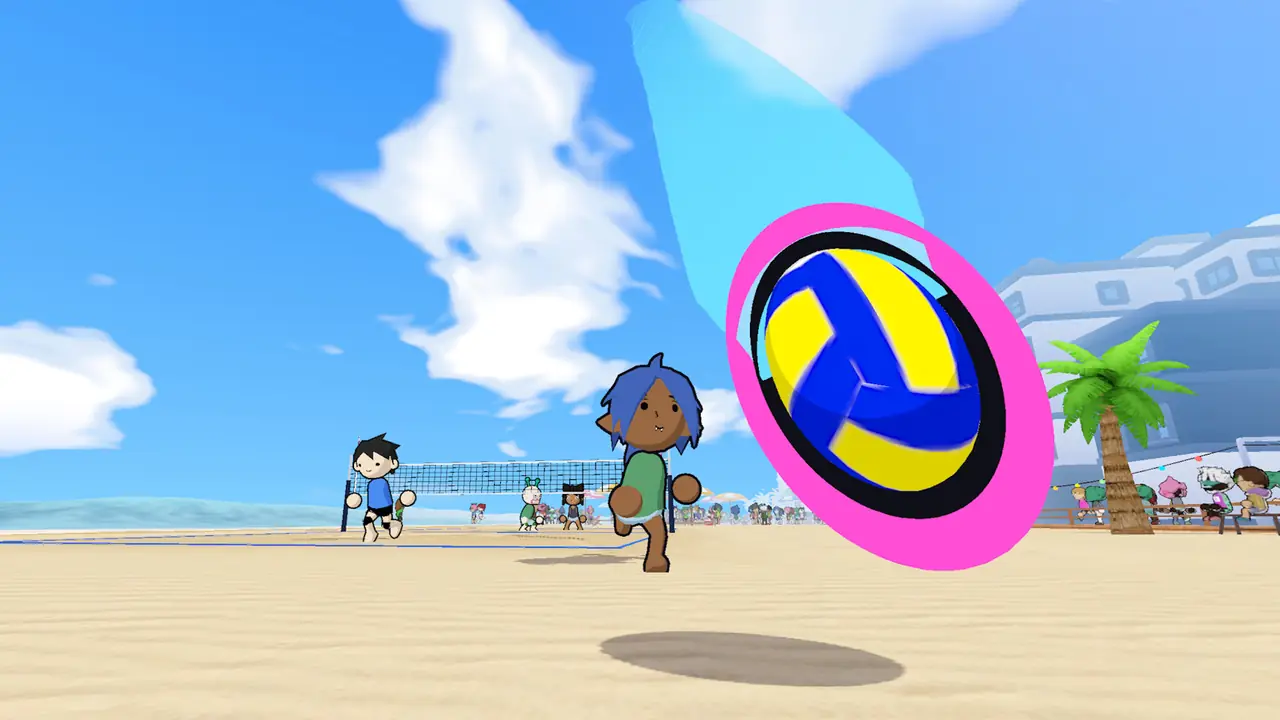
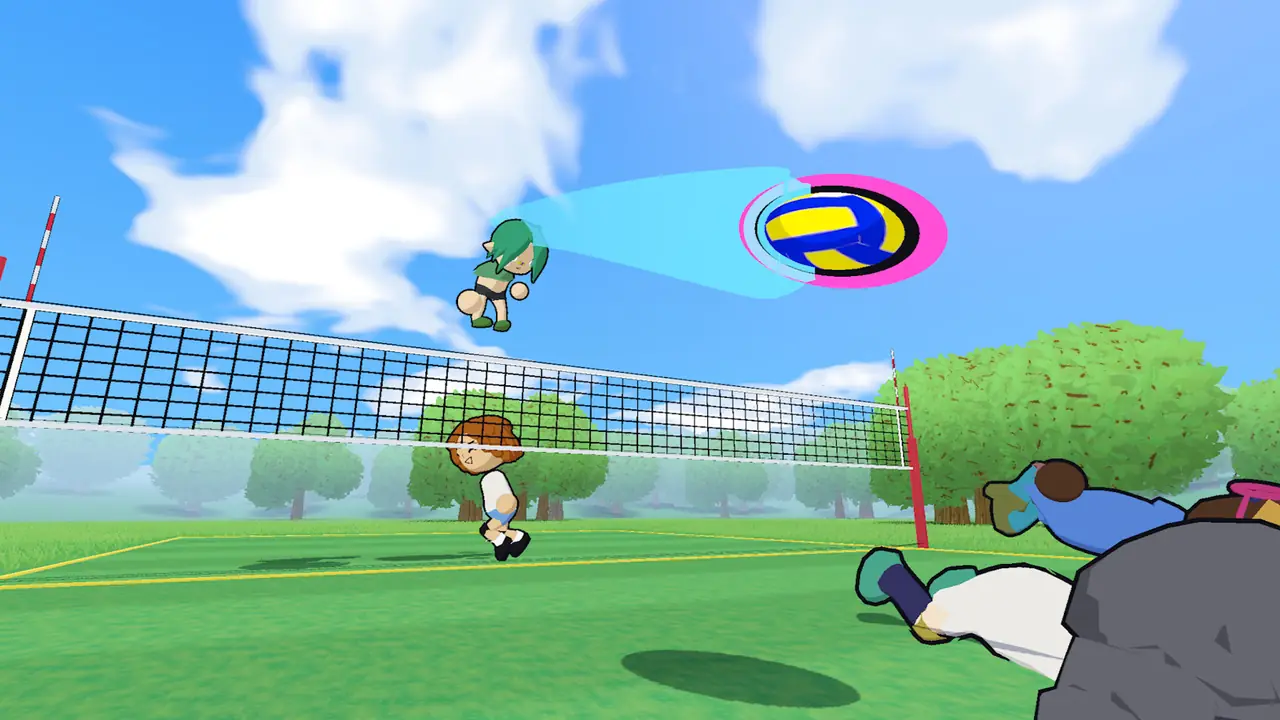
A serve in these notes is a charge, a jump, and a cursor target together. Hold the jump, put the cursor where you want the ball to go, and contact at the top. The grass and beach screenshots show the aim arrow. That arrow is the same idea on a serve.
| Community name | Where it is shown | What the clip emphasizes |
|---|---|---|
| Basic | Rey Vadly, 0:13 | Basic serve chapter |
| Spike serve | Rey Vadly, 0:32 | Spike serve chapter |
| Curve | Rey Vadly, 1:03 | Curve chapter |
| Float | Rey Vadly, 1:28 | Float chapter; no measured timing values |
| Power spike | Rey Vadly, 1:55 | Power chapter |
| Rocket serve | Follow-up, 0:52 | Creator’s Rocket Serve chapter |
| Jump float | Follow-up, 1:31 | Creator’s Jump Float chapter |
Float and jump float
On the Steam thread, a float is described as leaning the body back at the moment of contact. Rey Vadly parks a float demonstration at 1:28 in the first video and a jump float at 1:31 in the follow-up. Watch those stamps rather than a paraphrased “secret timing” this page cannot measure.
The follow-up is a separate creator demonstration of jump float. Its chapter name alone does not establish a new input, a timing window or a guaranteed outcome in the October build. We have not measured those values.
Power, rocket, and a day-one find
The same Steam thread describes a power serve from the baseline: toss the ball forward, approach, fill the charge on the way up, release at the peak. When the timing matches, the ball finishes on the landing spot the cursor marked. Miss the peak and it sails or nets.
SharpV’s “fast serve” clip is a community discovery from the demo’s first day, about 95 seconds long. It is not an official technique name. Pikixyz also posted a longer serve lesson if you want a second voice after Rey Vadly. Next stop if the receive is the problem: setting.
Questions people ask
How do you float serve in just volleyball?
Community clips and a Steam thread describe a charged jump serve with the body leaning back at contact, cursor on the target. The name “float” is a creator label.
Why does my serve hit the net?
For a power serve, one Steam reply recommends charging the spike while rising and releasing at the jump apex. It does not establish a universal cause for every net hit. Compare your target and contact with a basic serve first.
What is a rocket serve?
A name from Rey Vadly’s second serve video, around 0:52. It is not an official term.