just volleyball controls
Last verified 2026-10-27 · September bind list · later builds differ
Step by step
- Select your player profile
The September playtest notes locate bindings in the profile tab at the top of the screen, not in global options.
- Open that profile’s settings
Find its key-binding controls and change the action you need. Exact labels can differ in later builds; do not use an old screenshot as a current menu guarantee.
- Check the active binding strip
Return to practice and read the bindings shown at the right of the screen. Test a receive, set and jump before joining a match; reopen the profile to check that your choice persisted.
Key list we can cite
I compared two community control pages and a Steam thread from 25 October 2026. The table is the September playtest list. It is not a patch note from temkosoft. If the strip on the right of your screen disagrees, the strip is the one you are playing.
| Input | Action in the Sept playtest notes | Watch-outs |
|---|---|---|
| WASD | Move | Manual. The cursor does not walk for you. |
| Mouse | Aim | Touch direction follows the cursor. |
| Left click | Receive on the ground, spike in the air | A later build removed left-click jump cancel. See below. |
| E | Set, can be charged | Charge while you run for a quick set. |
| Right click | Dive on the ground, block in the air | A block does not spend a team touch. |
| Space (hold) | Jump charge | Full charge jumps higher. Sprint jumps keep momentum. |
| Shift | Strafe | Body faces the cursor. Faster side-dive recovery. |
| C / V | Camera mode / zoom | A later tutorial also describes dash and scroll-wheel zoom. |
| 1 2 3 4 | Quick chat | An emote key is not confirmed as its own bind. |
Rebinding and profiles
The playtest notes say binds live on each profile, not in one global options page. Change them there, then look at the on-screen list before a match. A second profile can keep a different pad layout.
October tutorials add a dash that spends stamina, and they mention scroll-wheel zoom. Those lines are newer than the September table. Both can be “what someone saw,” in different builds. This page will not pick a winner without a developer bind sheet.
Pad versus mouse
Rock Paper Shotgun’s writer describes left stick movement and right stick aiming. The demo’s official Steam appdetails lists Partial Controller Support. We do not have a verified current action-button table for each controller: read the prompts and test receive, set, jump and block in practice before a match.
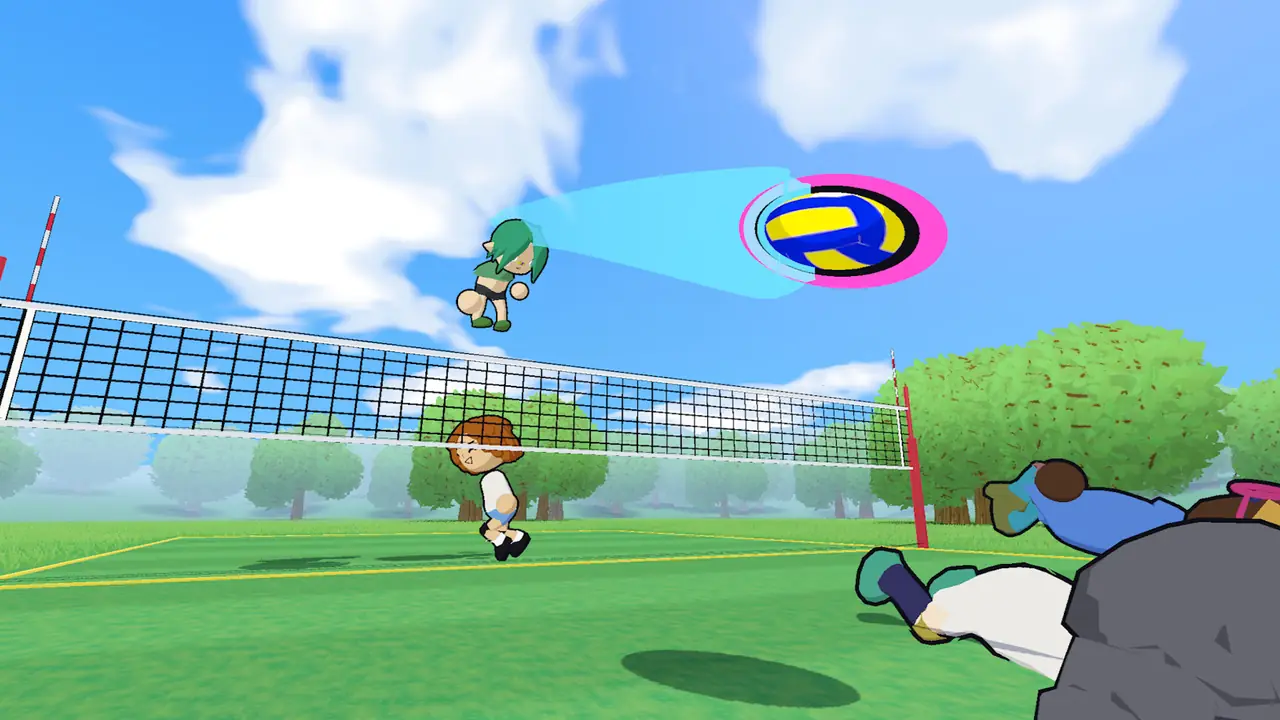
Camera and zoom are C and V in the older list. Learn them before you learn serves. A bad camera hides the landing ring, and the ring is how you read a pass. Next: how the serve inputs stack.
Questions people ask
Do you need a controller?
No. Mouse and keyboard are the bind list people wrote down. A pad works for some players: left stick moves, right stick aims. Support is described as partial.
Where is the emote button?
The written list has quick chat on 1–4. A separate emote key is not confirmed. Use the on-screen bind strip in your build.
Can I cancel a jump?
Older notes said left click could cancel a jump. A 25 October 2026 thread says that cancel was removed. Trust the build you have installed.